




Well, let me tell ya somethin’, folks. If you ever thought you couldn’t take close-up pictures with your phone, you’re in for a surprise! Nowadays, these phones got all sorts of tricks up their sleeves, and one of ‘em is the macro shooting mode. Yep, that’s right. You don’t need no fancy camera to get up close and personal with them little things like flowers, bugs, or even tiny bits of fabric. Your phone can do it all, and I’m here to share the key points of how to make the most out of it. So, sit tight, and let’s get into it.
1. Understanding Macro Mode
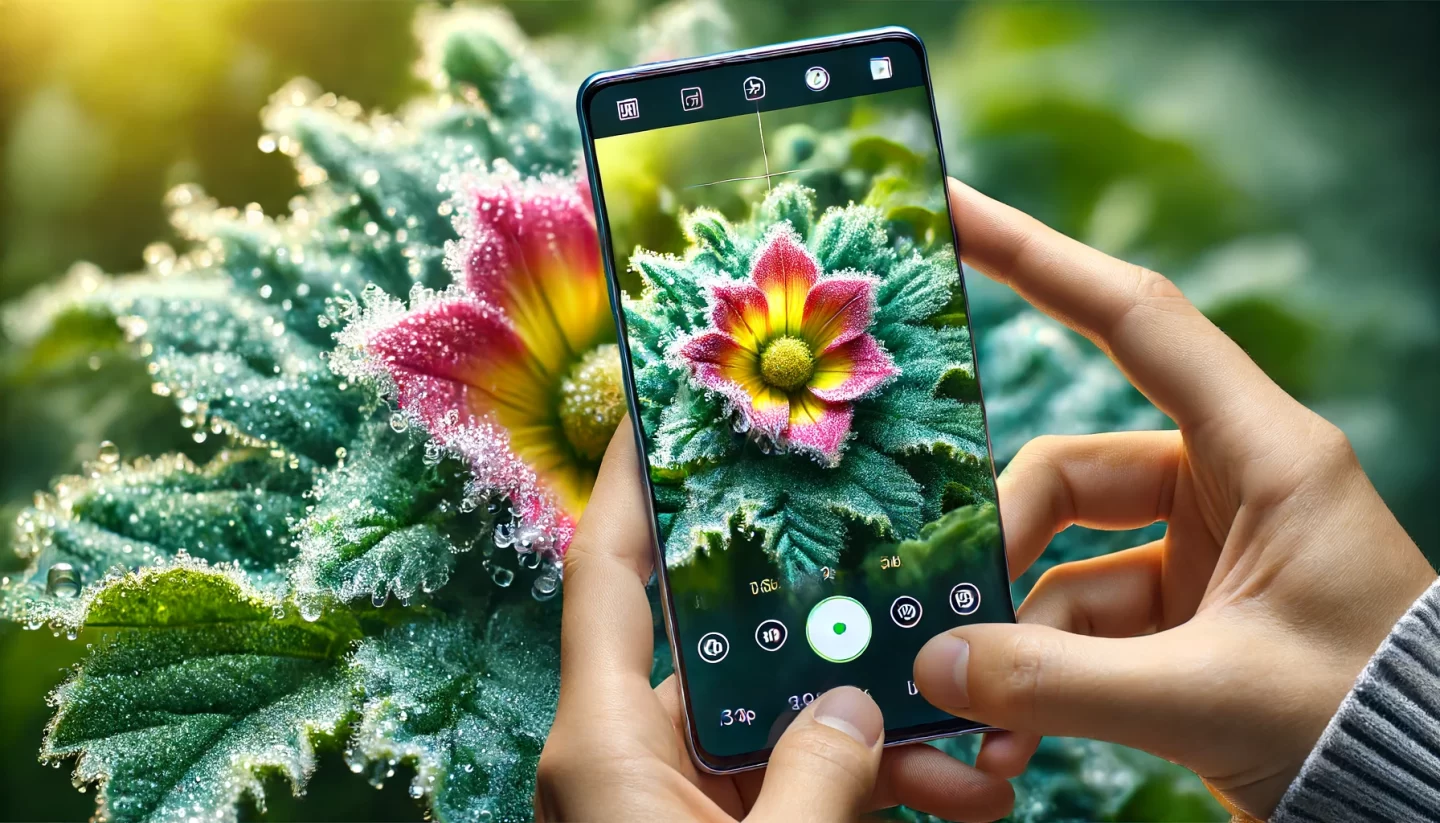
First thing’s first, you gotta know what this “macro mode” even is. Now, when you turn on macro mode on your phone, the camera switches to a special focus mode that lets you get real close to your subject. We’re talkin’ closer than you might think. Some phones, like them fancy iPhones, let you get as close as 10 centimeters. That’s pretty darn close! It’s all about zooming in on the little details, like them veins on a leaf or the texture of a bug’s wings.
Now, don’t go thinkin’ it’s just about getting close. The trick is in how you take that shot. The phone knows how to focus right, but you gotta hold it steady and let the camera work its magic.
2. Lighting Is Key
Now, lightin’—that’s another important thing. Y’all know how it is, sometimes you get a good picture but the light messes it up. Macro photography really needs good lightin’. That’s because when you’re up close to somethin’, even the smallest shadows can mess up the details. If you can, take your shots when the sun’s out nice and bright, or use a light source close to your subject. Just be careful not to shine too much light on it, or you might end up with a shiny, blurry mess.
3. Keep That Phone Still!
You ever notice how easy it is to shake your hand when you’re takin’ a picture? Well, let me tell ya, when you’re doin’ macro photography, that little shake can make all the difference. You don’t want to get a blurry mess of a picture, right? So, you need to hold your phone as still as possible. Or better yet, use a tripod if you’ve got one. Trust me, it makes a world of difference when you’re takin’ them close-up shots.
4. Aperture Settings
Now, this might sound a bit fancy, but stick with me. When you’re takin’ close-up pictures, you want to control the amount of light comin’ into your camera. This is where aperture settings come in. Some phones let you adjust the aperture (that’s the opening in the lens), and that can help you get clearer shots with the right amount of light. If you can’t mess with that, no worries—just make sure you’re takin’ your photos in the right light.
5. Focus Carefully
When you’re shootin’ small things, focus is everythin’. You gotta make sure your phone focuses on the right part of your subject. If you’re takin’ pictures of a flower, for instance, you don’t want the background to be sharper than the petals. Most phones today let you tap the screen where you want to focus, so use that to your advantage. Tap on the thing you want sharp and clear, and the phone will do the rest.
6. Explore Nature
If you’ve got a love for nature, this here macro photography is perfect for you! Flowers, leaves, bugs, and all sorts of things in the great outdoors look amazing when you get in close and personal with them. You’ll be surprised at how many tiny details you’ve never noticed before! The veins in a leaf, the little hairs on a caterpillar—it’s like a whole new world when you look at it through your phone’s lens.
7. Play With Angles
Now, this might sound simple, but you’d be surprised at how many people forget this part. When you’re takin’ a close-up photo, try different angles! Don’t just take a picture from straight on—move around and see what looks best. You might find a more interestin’ perspective that shows off more detail. And, don’t forget to play with the background, too. A nice, blurry background can really make your subject pop.
8. Clean Your Lens!
Sounds like a no-brainer, but I can’t tell ya how many times I’ve seen folks takin’ blurry pictures ‘cause their lens was all smudged up! You might not always see it, but your phone’s lens can get dusty or greasy. Give it a quick clean with a soft cloth before you start clickin’ away. It’s a small step that’ll make a big difference in the quality of your pictures.
9. Editing Your Photos
Alright, so you’ve taken your pictures, but they still ain’t lookin’ quite right. What do you do? Well, don’t be afraid to edit ‘em a little bit. You can adjust things like brightness, contrast, and sharpness right on your phone. Some phones even have special editing tools just for macro photos. It’s like givin’ your pictures a little polish after you’ve taken ‘em.
10. Practice Makes Perfect
And finally, practice. Like anything else, the more you practice, the better you get. Don’t be discouraged if your first few attempts don’t turn out perfect. Keep tryin’, keep experimentin’, and before you know it, you’ll be takin’ some of the best macro photos out there!
Well, that’s about it for now! I hope these little tips help y’all take better macro shots with your phone. Just remember, it’s all about getting close, paying attention to the light, and keepin’ your camera steady. Now go on out there and take some beautiful pictures!
Tags:[macro photography, phone photography, mobile camera, macro mode, close-up photography, phone tips, macro photography tips, phone photography tips, aperture, camera settings, photo editing]