




In the world of photography, lighting is everything. A well – placed and properly used fill light can transform an ordinary photo into a masterpiece. One of the most versatile and powerful tools for achieving this is the external flash. This article will guide you through the process of using an external flash as a fill light, helping you to enhance your photography skills.
Understanding the Basics of Fill Lighting
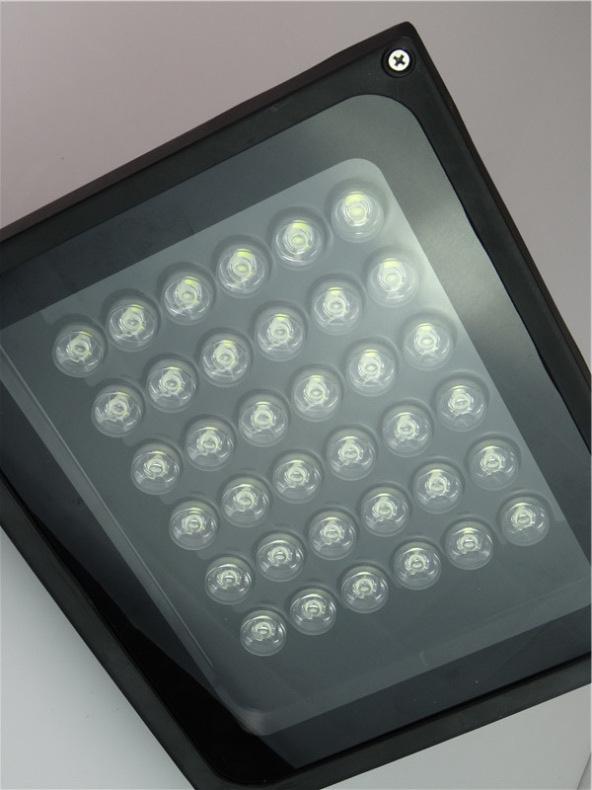
Fill light is used to reduce the contrast between the subject and its background, or to soften harsh shadows on the subject. In natural light photography, when the main light source creates strong shadows, a fill light can bring out details in the shaded areas. For example, in a portrait taken on a sunny day, the side of the face away from the sun may be in deep shadow. A fill light can illuminate this area, making the subject’s features more visible and the overall image more balanced.
Choosing the Right External Flash
- Compatibility: Ensure that the external flash is compatible with your camera. Most major camera manufacturers have their own lines of external flashes that are designed to work seamlessly with their cameras. For example, Nikon cameras pair well with Nikon Speedlights, and Canon cameras with Canon Speedlites. Compatibility ensures that the flash can communicate with the camera for features like TTL (Through – The – Lens) metering.
- Power Output: Consider the power output of the flash, which is measured in Guide Number (GN). A higher GN means the flash can project light over a greater distance. If you often shoot in large spaces or from a distance, a flash with a higher GN is more suitable.
Setting Up the External Flash as a Fill Light
- Connecting the Flash: There are two main ways to connect an external flash to your camera: hot – shoe connection and wireless connection. A hot – shoe connection is the simplest, where the flash is directly mounted on the camera’s hot – shoe. For wireless setups, you can use a wireless flash trigger or the camera’s built – in wireless flash control system. This allows you to place the flash away from the camera, creating more creative lighting angles.
- Metering Modes: Use TTL metering mode for a quick and easy start. In TTL mode, the camera measures the light and communicates with the flash to determine the appropriate flash output. However, for more precise control, you can also use manual mode. In manual mode, you set the flash power output yourself, which is useful when you want to have full control over the lighting ratio between the ambient light and the flash light.
Adjusting Flash Settings for Fill Lighting
- Flash Power: When using the flash as a fill light, you usually want a lower power output. Start with a setting like 1/8 or 1/16 power. This ensures that the flash doesn’t overpower the natural light but gently fills in the shadows.
- Sync Speed: The sync speed is the maximum shutter speed at which the flash can fire and synchronize with the camera’s shutter. Exceeding the sync speed may result in a partial flash exposure or a black band across the image. Most cameras have a sync speed of around 1/200 – 1/250 seconds.
Practical Applications of External Flash as Fill Light
- Portrait Photography: In portrait photography, place the flash at a 45 – degree angle to the subject’s face. This creates a soft, flattering light that fills in the shadows on the face without creating harsh reflections. You can also use a diffuser on the flash to make the light even softer.
- Landscape Photography: When shooting landscapes during the golden hour, the sun may create strong shadows on the foreground elements. Use the external flash as a fill light to bring out the details of the foreground while still maintaining the warm, beautiful light of the sunset in the background.
Troubleshooting Common Issues
- Overexposure: If the subject appears too bright, reduce the flash power or adjust the camera’s aperture and shutter speed to balance the exposure between the flash and the ambient light.
- Harsh Shadows: To avoid harsh shadows, use diffusers or bounce the flash off a wall or ceiling to create a more diffused light source.
Using an external flash as a fill light opens up a world of creative possibilities in photography. With a little practice and understanding of the techniques, you can use this tool to create stunning images that are well – lit and full of detail.