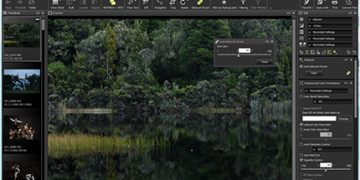





Well now, let me tell ya somethin’ ‘bout this thing called photo processin’. Y’all know how sometimes you snap a picture, and it ain’t just right? Might be too bright, too dark, or the edges look all funny? Well, that’s when you gotta do what they call post-processin’. It’s like takin’ a good ol’ piece of bread and addin’ a bit of butter and jam, so it tastes just right. In the world of pictures, that’s what post-processing does, it makes the photo look even better, more like what ya saw with your own two eyes.
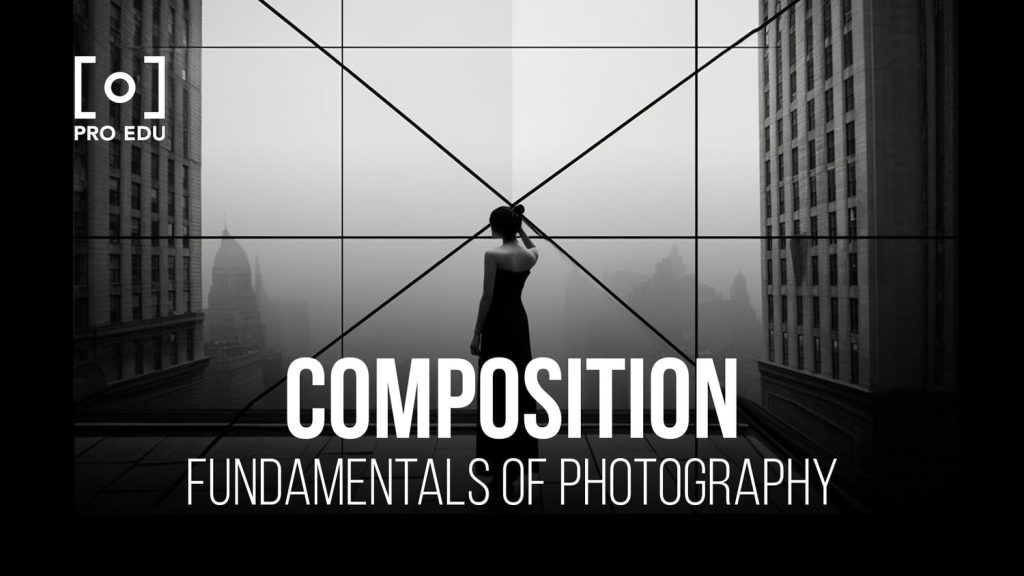
Now, let’s talk about a thing that’s real important in this post-processin’ business—image composition. This fancy term just means how you make the different bits of your picture look nice together, all laid out proper. You see, a picture ain’t no good if it’s all messy and chaotic. You gotta know where to put things so the whole picture makes sense. And here’s a secret: when you get done takin’ the picture, that’s when you really get to make it shine with the post-processin’ part.
First thing you’ll wanna think about is the edges of the picture. Sometimes, when you snap a photo, the edges can be all too bright, takin’ away from the center. That’s when you use somethin’ called vignette. Ain’t no fancy word for it, really, just a way to make the edges darker and bring the attention to the middle of your photo.
Now, don’t you go messin’ it up too much, ‘cause it can make your photo look all wrong. What you do is go into your Lightroom—ain’t no need to get scared, it’s just a tool on the computer—and find the “Post-Crop Vignetting” option. Under that, you’ll see a thing that says “Style.” You want it on “Highlight Priority,” that way it don’t make the center too dark.
Once that’s set, you gotta adjust the “Amount.” What this does is, it decides how strong the vignette effect is. You don’t want it too strong, or your photo will look like you took it in a cave. Set it to around -5, maybe lower, depending on how much darkenin’ you want on the edges. Don’t worry too much about the numbers at first, just play around till it looks good to you.
Next, there’s somethin’ called “Midpoint.” Now, this one’s important ‘cause it decides how far in from the edges the vignette will start. If you set it too high, the dark edges will creep too far into your picture, and if you leave it too low, you won’t notice much of a change. I reckon about 60 works fine for most folks, but play around, ya know?
Then, there’s “Roundness” and “Feather.” Roundness controls how round the vignette looks, but you don’t need to mess with that much, just leave it at 0 most of the time. Feather, on the other hand, controls how soft or harsh the transition is between the dark edges and the bright center. Increase it to make the edges look softer, like a gentle fade. I always go a little higher with this one, maybe up to 50 or 60.
Once you got all that set up, your picture’s gonna start lookin’ a lot more put together. The vignette pulls the viewer’s eye toward the middle, and all the rest of the picture stays balanced around it. Now, there’s other things you can mess with, like contrast and brightness, but the vignette is one of the quickest ways to make a picture look more professional.
Next up, we got the thing called “crop.” Now, cropping is just a fancy word for cuttin’ out parts of the picture you don’t need. Let me tell you, sometimes, too much in the picture makes it all crowded, and you can’t tell what’s what. Take a look at your photo and decide if you need to trim the edges a little. Don’t be shy about it, just crop out what ain’t important, and the rest will look better.
Now, don’t go thinkin’ that’s all there is to it. Oh no! There’s plenty more tricks you can use to make your photo shine. Things like contrast, exposure, and even sharpness can make a big difference. But I reckon if you start with these here steps—vignetting and cropping—you’ll be well on your way to makin’ those photos look just like the ones you see in the magazines.
So next time you snap a picture, don’t just leave it at that. Open up that Lightroom, start tinkerin’ with the settings, and before you know it, you’ll have a picture that looks like it was taken by a pro. And remember, there ain’t no rush. Take your time, and don’t be afraid to experiment till it looks just right. After all, it’s your picture!
Tags:[Image Composition, Photography Post-Processing, Lightroom Tips, Vignetting, Photo Editing, Image Cropping, Photography Techniques, Post-Crop Vignetting, Photo Enhancement]